Beauty Salon SMS Reminders With Google Calendar: How to Cut No-Shows [2026]
Beauty salon SMS reminders still work great with Google Calendar in 2026. Here is the setup, timing, and message flow that helps salons keep more chairs full.
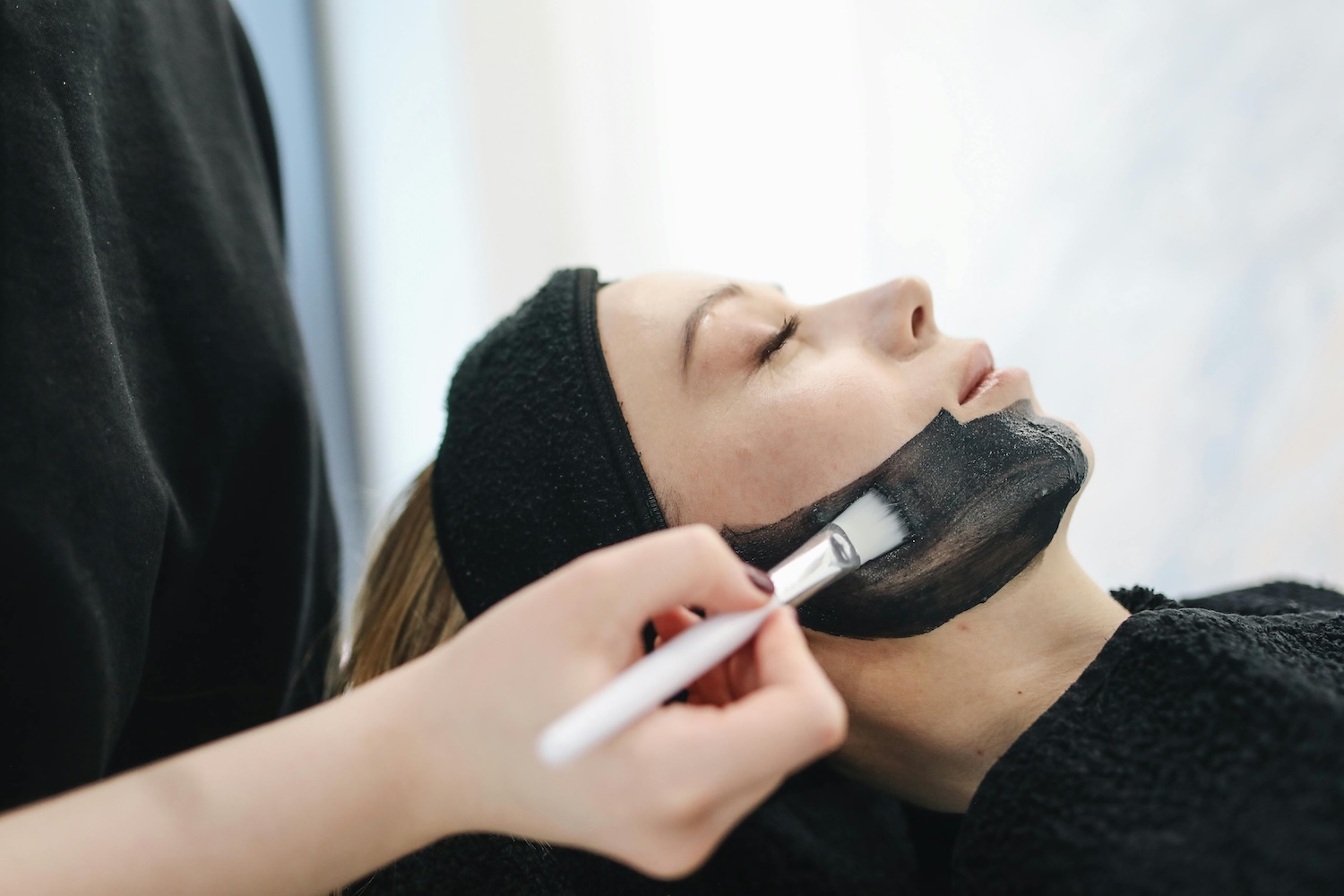
You know the scene. A color appointment is blocked out for two hours. Product is mixed. The stylist is ready. Then the client never walks in. No call. No text. Just a dead slot in the middle of the day.
That is why beauty salon SMS reminders matter so much. Salons do not just lose the appointment. They lose the chair time, the prep time, and often the chance to refill that slot on short notice.
If you already run your schedule inside Google Calendar, you do not need to rip everything out and start over. You just need a better reminder layer on top of it. This guide shows the 2026 way to set up beauty salon SMS reminders with Google Calendar, what to send, and where the real lift usually comes from.
Can Google Calendar Send SMS Reminders for Salon Clients?
Not on its own. Google Calendar removed native SMS notifications years ago, so there is no built-in "text my client" button hiding in settings.
That sounds annoying, but it is not really a deal-breaker. Google Calendar is still a good scheduling tool. You just need a reminder tool that connects to it and sends the texts for you.
Can Google Calendar send SMS reminders to salon clients?
No. Google Calendar does not text salon clients by itself. Keep Google Calendar as the schedule, then add an SMS reminder layer that sends appointment texts automatically. For the yes-or-no version, read can Google Calendar send text reminders? For the setup flow, use how to add SMS reminders to Google Calendar, or jump to the beauty salon SMS reminders and hair salon appointment reminders pages.
Want the salon-specific version?
Start with our beauty salon SMS reminders page. If you mainly run hair appointments, see our guide for hair salon appointment reminders.
How to Set Up Beauty Salon SMS Reminders With Google Calendar
1. Pick a tool that syncs with Google Calendar
Do not pick anything that makes you copy bookings into a second system by hand. That is how reminder systems get abandoned.
A good salon setup should give you:
- Native Google Calendar sync
- Easy templates for confirmations and reminders
- A clean way for clients to confirm, cancel, or reschedule
- Pricing that still makes sense as your bookings grow
If you are comparing tools, our Etisia vs Apptoto page is a useful place to start.
2. Connect your calendar
Usually this takes a couple of minutes. Sign in with Google, choose the calendar, and approve access. After that, new appointments sync automatically.
The goal is simple: your team keeps booking in Google Calendar the way they already do, and the reminder system runs in the background.
3. Make sure each booking has a phone number attached
This sounds obvious, but it is where a lot of salons get sloppy. If the number is missing, the reminder fails. Decide once where numbers live and make the whole team stick to it.
Some systems pull numbers from contacts. Others read them from the appointment details. Either way, consistency matters more than the exact method. The dedicated guide to adding client phone numbers for Google Calendar reminders walks through the options.
4. Add a simple reminder sequence
For most salons, the best baseline is:
- Right after booking: a confirmation text so the appointment feels real
- 24 hours before: enough time to reschedule instead of disappearing
- 2-3 hours before: a final nudge while they are still planning the day
You can get fancier later. Start here first. This is the part that usually moves the needle.
5. Test it on your own phone
Book a fake appointment. Send the reminder. Read it like a client would. If the text feels too long, too cold, or too vague, fix it before you go live.
Where should client phone numbers live in a salon Google Calendar setup?
The best default is to store phone numbers in the client or contact record. That works better for salons because the same client may come back for color, lashes, brows, waxing, nails, or follow-up services. Update the number once, and the next booking can use the same record.
Event details can work too, but only if your SMS tool supports reading numbers from the event title, notes, or description. If you go that route, keep the format simple and consistent. Missing or inconsistent numbers are one of the most common reasons salon reminders fail silently.
Write one team rule and make it easy for the front desk and stylists to follow. For example: "Phone numbers live in the client record, not in the appointment title." If a stylist books a repeat client between appointments and the front desk books new clients by phone, both should use the same method.

Do I need to replace my salon booking system?
No, not necessarily. If appointments already land in Google Calendar, an SMS reminder layer can sit on top. Your team keeps booking where it already works, and the reminder layer watches the calendar for appointments that need texts.
You only need a bigger system change if your current workflow cannot reliably store client names, appointment times, services, and phone numbers. If Google Calendar is already your shared schedule, read how to keep Google Calendar and still send SMS reminders. For salon-specific pages, start with beauty salon SMS reminders or hair salon appointment reminders.
Need ready-made salon text?
Use our free SMS Reminder Template Generator to create reminder texts you can use right away.
The Best Reminder Timing for Salons
Salons usually do best with short, useful messages at the moments that actually matter.
Booking confirmation
Send this right away. It cuts down on "wait, what day was that again?" calls and gives the client confidence the booking went through.
Example: "Hi Jessica, you are booked for balayage with Mia on Thursday at 2:00 PM at Glow Studio. Reply if you need to change anything."
24-hour reminder
This is the big one. It gives clients enough time to reschedule and gives you a chance to refill the slot if they cannot make it.
Example: "Hi Jessica, quick reminder about your balayage tomorrow at 2:00 PM with Mia. Reply C to confirm or R to reschedule."
Same-day reminder
This catches the people who meant to come but got busy. Keep it short and warm.
Example: "See you today at 2:00 PM, Jessica. If you are running late, call us at 555-0123."
What Salon Reminder Texts Should Sound Like
The best salon texts do not sound like legal notices. They sound like your front desk on a good day: clear, friendly, and not trying too hard.
- Use the client's name so the text feels personal
- Say the service and time clearly so there is no confusion
- Give one obvious action like call if plans changed or use a booking link
- Keep it short so it is easy to read fast
Bad version: "Dear valued customer, this is a courtesy reminder regarding your upcoming appointment."
Better version: "Hey Jessica, reminder: highlights tomorrow at 2:00 PM with Mia. Need to move it? Call us at 555-0123."
Keep salon SMS reminders neutral
Some beauty services are sensitive, and SMS reminders can show up on a phone lock screen. For waxing, aesthetics, skin, body treatments, injectables, or medical-adjacent services, avoid overly specific wording unless the client clearly expects it.
Neutral wording is usually safer: "your appointment" or "your visit" is often enough. Save detailed prep instructions for email, private links, intake forms, or calls when the detail needs more privacy or more space.
Neutral example: "Hi [Name], reminder from [Salon]: your appointment is tomorrow at [Time]. Need to change it? Use [Link] or call [Phone]."
Copy-and-edit salon SMS templates
Use these as starting points, then adjust the tone and details for your salon. For more variations, use the SMS reminder template generator.
Booking confirmation
Hi [Name], you are booked at [Salon] on [Date] at [Time]. Reply or call [Phone] if anything needs to change.
24-hour reminder
Hi [Name], reminder: your appointment at [Salon] is tomorrow at [Time]. Need to change it? Use [Link] or call [Phone].
Same-day reminder
Hi [Name], we will see you today at [Time] at [Salon]. If you are running late, please call [Phone].
Prep-needed appointment
Hi [Name], reminder from [Salon]: your appointment is tomorrow at [Time]. Please check your prep notes here: [Link].
Cancellation or reschedule link
Hi [Name], your appointment at [Salon] is on [Date] at [Time]. If you cannot make it, please use [Link] so we can offer the slot to someone else.
Last-minute opening
Hi [Name], we just had an opening at [Time] today. Would you like it? Reply YES or call [Phone].
Rebooking nudge
Hi [Name], ready to book your next visit at [Salon]? We have times available this week. Reply here or use [Link].
Review request
Hi [Name], thank you for visiting [Salon]. If you were happy with your appointment, we would really appreciate a quick review: [Link].
If you want the broader service-page version of this setup, start with beauty salon SMS reminders or hair salon appointment reminders.
What the ROI Usually Looks Like
Do the math with your own numbers. Even two missed salon appointments a week can add up quickly once you count the lost service revenue, wasted chair time, and the chance to fill that slot with another client.
That is why reminder tools can make sense in salons. You are not adding some shiny extra feature. You are plugging a leak in the schedule. For broader benchmarks and context, use the no-show statistics guide.
SMS consent and opt-outs
SMS rules vary by country and region. Make sure clients have agreed to receive appointment texts, respect opt-outs, avoid sending outside reasonable hours, and do not mix promotional messages with appointment reminders unless your consent process allows it.
This is practical product guidance, not legal advice. If your salon sends marketing campaigns, review the rules that apply to your country, region, and consent process before combining them with appointment reminders.
Bottom Line
If you already use Google Calendar, you are close. You do not need a whole new booking stack to fix no-shows. You need beauty salon SMS reminders that sync with the calendar you already trust.
Start with a simple three-text flow, keep the wording human, and make it easy for clients to act if something changed. Then, if you want the faster commercial setup, go straight to our beauty salon SMS reminders page or compare options on Etisia vs Apptoto.
Related reading: Learn why Google Calendar stopped sending SMS reminders or read our broader Google Calendar text reminders guide.
FAQs
How much do no-shows actually cost a beauty salon?
It depends on your average ticket and how often it happens, but even a couple of missed appointments a week adds up fast. The real cost is not just the service. It is also the wasted chair time, stylist time, and the lost chance to fill the slot with someone else.
Can Google Calendar send SMS reminders to my salon clients?
No. Google Calendar does not send client SMS reminders by itself anymore. To text salon clients, you need a reminder tool that connects to Google Calendar and sends the messages automatically.
Where should I put the client's phone number for salon SMS reminders?
Use the client or contact record if possible. If your SMS tool supports reading numbers from event details, that can work too, but the front desk and stylists need one consistent rule.
What's the best timing for salon appointment reminders?
For most salons, send one confirmation right after booking, one reminder 24 hours before, and one more 2-3 hours before. That gives clients enough time to adjust and still catches the people who simply forgot.
How much can SMS reminders reduce no-shows?
It depends on your current process, but salons often see fewer missed appointments once reminders become timely, clear, and easy to act on. SMS is usually easier for clients to notice than email, especially for time-sensitive appointment reminders.
What should my salon's reminder text actually say?
Keep it short, personal, and easy to act on. Include the client's name, service, time, and one clear next step. Example: "Hi Jessica, reminder: highlights with Sarah tomorrow at 2:00 PM. Reply C to confirm or R to reschedule."
Should salon SMS reminders include the service name?
Sometimes. For routine services, yes. For sensitive services, use neutral wording like "your appointment" or "your visit."
Do I need to replace my salon booking system?
No, not if appointments already land in Google Calendar. You can add SMS reminders on top and keep the booking workflow your team already uses.
Should I include a cancellation or reschedule link?
Yes, if available. It helps clients tell you earlier when they cannot make it, which gives the salon a better chance to refill the slot.
Related tools and pages
Keep exploring with the calculator, statistics, comparison pages, and industry guides connected to this article.
No-Show Cost Calculator
Estimate how much missed appointments are costing your business.
No-Show Statistics
Benchmark no-show rates, open rates, and reminder performance data.
Etisia vs Apptoto
See how Etisia compares with Apptoto for appointment reminders.
SMS reminders for beauty salons
Reduce no-shows for beauty, nail, and aesthetics appointments.
SMS reminders for hair salons
Keep chairs filled with automated reminder texts for salon clients.