Google Calendar SMS Notifications Discontinued — Here's What Actually Happened (And What to Do Now)
Google quietly removed SMS notifications from Google Calendar back in 2019, and people are still confused about it. Here's the full story and how to get text reminders working again.
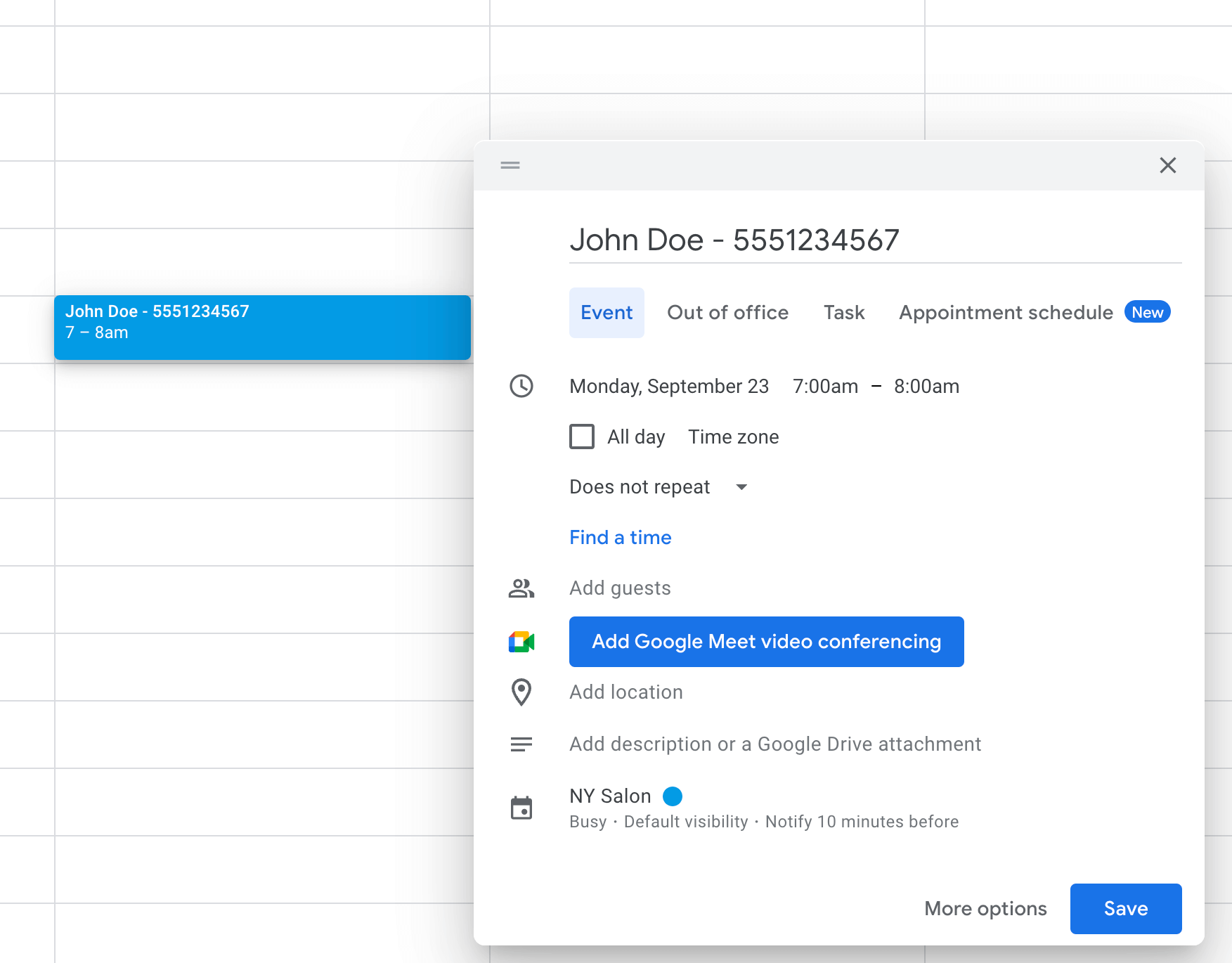
So, you just found out that Google Calendar doesn't send text messages anymore. Join the club. Seriously — thousands of people Google this every single week and land on the same frustrating answer. The feature's been gone for years now, and yet nobody really talks about it.
You'd think a tool used by like 500 million people would still let you get a simple text before your dentist appointment. But nope.
I've been working in the appointment reminder space for a while now, and this is hands down the most common question we get from new users. So I figured it was time to actually write down the full story — what happened, why Google did it, and what your options are if you still need text reminders (spoiler: you do have options, and some of them are honestly better than what Google ever offered).
What Happened to Google Calendar SMS Notifications?
Here's the short version. In November 2018, Google quietly announced they'd be removing SMS notifications from Google Calendar. The shutdown date was January 7, 2019. And just like that — gone. Any calendar event you'd set up with an SMS reminder just... stopped sending texts.
Their explanation? Basically one sentence: "Since Calendar already offers in-app notifications, you can still get notified, regardless of your device or connection." That was literally it. No migration path, no "here's what to use instead," no nothing. Just a workspace blog post and radio silence.
For someone using Google Calendar to track their own meetings, maybe not a huge deal. But for businesses running on Google Workspace — medical offices, hair salons, consultants, tutors — this was a real problem. A lot of these folks had spent years relying on text reminders to make sure clients actually showed up. Suddenly that lifeline was just... cut.
Why Did Google Remove SMS From Calendar?
Google never really explained this properly. But if you think about it for a minute, the reasons become pretty obvious.
Money, for starters. Every SMS Google sent cost them actual money — especially international ones. When you've got hundreds of millions of calendar users, even fractions of a cent per message add up to a massive bill. Push notifications through their own app? Basically free.
Then there's the ecosystem play. Google wants you in their apps. They want you opening Google Calendar on your phone, engaging with their platform. A text message lives completely outside of that world. It's just a text. Google gets nothing from it.
And third — this is the part that honestly annoys me the most — they said in-app notifications were "good enough." Which, sure, if you're a tech-savvy person who keeps their phone notifications organized and actually reads every pop-up. But most people? They've got 73 unread notifications and a graveyard of dismissed alerts. We all know how that goes.
For businesses trying to get a client to remember their Tuesday afternoon appointment, a buried push notification is basically useless.
Why People Are Still Searching for This in 2026
This is the part that fascinates me. The feature was removed over seven years ago, and the search volume hasn't really died down. People are still Googling "Google Calendar SMS notifications" constantly.
I think what's happening is a few things at once. New business owners are setting up their workflows and just assuming Google Calendar can text their clients — I mean, why wouldn't it? Others are switching from tools that did have SMS and are shocked to find out Google doesn't. And then there's the group that had it years ago, stopped using it, and are now trying to turn it back on. Surprise.
But the deeper reason is that SMS genuinely works better for reminders. It's not nostalgia. Text messages have a 98% open rate. Emails? 20-30% on a good day. People read texts within 90 seconds. They read emails... whenever they feel like it, which might be never. That gap is massive, and that's exactly why the demand hasn't gone anywhere.
What Google Calendar Can Still Do (And What It Can't)
Alright, let me clear up the confusion because there's a lot of wrong info floating around. Here's what Google Calendar actually offers right now for reminders:
- Push notifications — Pop up on your phone or desktop if you have the Google Calendar app installed. Free, instant, but they only go to you. Not your clients. Just you.
- Email notifications — Land in your Gmail inbox before an event. Handy in theory. In practice, your inbox already has 47 unread emails and a bunch of promotions you'll never open.
What it cannot do:
- Send a text to your phone number
- Send SMS reminders to clients, patients, or anyone else
- Notify people who aren't logged into Google Calendar
That last one is the killer for businesses. Your client isn't sitting there refreshing their Google Calendar. They need a buzz on their phone — an actual text — to remember that they've got an appointment tomorrow morning.
How to Get SMS Reminders Working With Google Calendar
OK so here's the good news. Google may have bailed on SMS, but third-party tools picked up the slack. And honestly, some of these tools do a way better job than Google's original feature ever did. Google's SMS reminders only went to the calendar owner anyway — not to clients. The tools that exist now actually solve the real problem.
Here's how we built Etisia to work with this:
Step 1: Connect your Google Calendar
Head to etisia.com, sign up (free trial, no card needed), and connect your Google Calendar. Two clicks, maybe two minutes total. Etisia syncs your events and handles the rest.
Step 2: Add your clients' phone numbers
You create calendar events the way you already do. Put your client's name in the title, and Etisia matches it to their phone number through your contact list. No new workflow to learn. No clunky separate system. It works with what you're already doing.
Step 3: Set your reminder timing
Pick when the texts go out. We usually recommend 24 hours before plus 2-3 hours before. That combo works really well across most industries. But you can set it to whatever makes sense for your business.
Step 4: Forget about it
Seriously, that's the whole setup. New events get picked up automatically, texts go out on schedule. We've seen businesses go from 20-25% no-show rates down to under 5%. Some hit 95% attendance. The difference is night and day.
Want ready-made SMS reminder text?
Use our free SMS Reminder Template Generator to generate appointment reminder texts in seconds.
Other Alternatives Worth Mentioning
Look, I'm obviously biased here, but I'll be upfront about it. Etisia isn't the only tool that does this. Zapier can connect Google Calendar to Twilio and send SMS that way — though fair warning, the setup is more technical and costs can spiral if you're sending a lot of messages. Apptoto is solid if you run a heavy appointment-based business. GReminders is decent for consultants and coaches.
Whatever you pick, make sure it actually integrates with Google Calendar natively (so you're not copy-pasting events), delivers SMS reliably, and has pricing you can actually predict. Surprise bills from SMS tools are way more common than they should be.
Is Google Ever Going to Bring SMS Back?
Short answer: no. Not a chance, really. Google hasn't even hinted at it, and the industry trend is moving the opposite direction — toward proprietary messaging, RCS, and keeping everything in-app. Calendar SMS is not on anyone's roadmap at Google.
But here's the thing — that's actually fine? Google's old SMS feature was pretty basic anyway. It only texted you, the calendar owner. It couldn't reach your clients. The third-party tools that exist now do the thing that businesses actually need: texting the other person to make sure they show up. That's a much more useful feature than what Google removed.
Bottom Line
Google Calendar SMS notifications were discontinued in January 2019. They're gone for good. Google figured push notifications and emails were enough — and for personal use, maybe they are. But if you run a business where people need to show up at a specific time, you already know emails get ignored and push notifications get swiped away.
The fix takes about five minutes. Plug Etisia into your Google Calendar, set your reminder schedule, and let it run. Your calendar doesn't change, your workflow stays the same, and your clients actually get a text before their appointment. That's it. That's the whole thing.
FAQs
When did Google Calendar stop sending SMS notifications?
January 7, 2019. Google announced it in November 2018 through a pretty brief Workspace update. There wasn't much fanfare — it just kind of happened.
Why did Google remove text message reminders from Calendar?
They never gave a full explanation, but it was probably a mix of cost (SMS at massive scale is expensive), wanting to push people toward in-app notifications, and honestly just not prioritizing the feature. They said email and push notifications were "sufficient."
Can I still get text reminders for Google Calendar events?
Not natively, no. But third-party tools like Etisia, Zapier + Twilio, and Apptoto can plug into your Google Calendar and send SMS reminders automatically. Setup is usually pretty quick.
What's the best alternative to Google Calendar SMS notifications?
Depends on what you need. For businesses sending appointment reminders to clients, Etisia is built specifically for that — it integrates with Google Calendar and you can have it running in minutes. For more custom automation workflows, Zapier + Twilio is flexible but more technical.
Do Google Calendar push notifications work as well as SMS?
For your own personal reminders, they're fine. For business use? Not really. Push notifications only go to the calendar owner, not your clients. And even then, texts have a 98% open rate while push notifications and emails get lost in the noise. It's not really a fair comparison.
Related tools and pages
Keep exploring with the calculator, statistics, comparison pages, and industry guides connected to this article.
No-Show Cost Calculator
Estimate how much missed appointments are costing your business.
StatisticsNo-Show Statistics
Benchmark no-show rates, open rates, and reminder performance data.
ComparisonEtisia vs GReminders
Compare reminder workflows, pricing, and Google Calendar fit.
IndustrySMS reminders for medical practices
See how clinics and practices reduce no-shows with Etisia.
IndustrySMS reminders for consultants
Protect high-value meetings with Google Calendar SMS reminders.