How to Reduce No-Shows When You Book Through Google Calendar
Most no-shows happen because the client forgot. Google Calendar can remind you about your own schedule, but it has no way to reach the person on the other end. Here is how to close that gap.
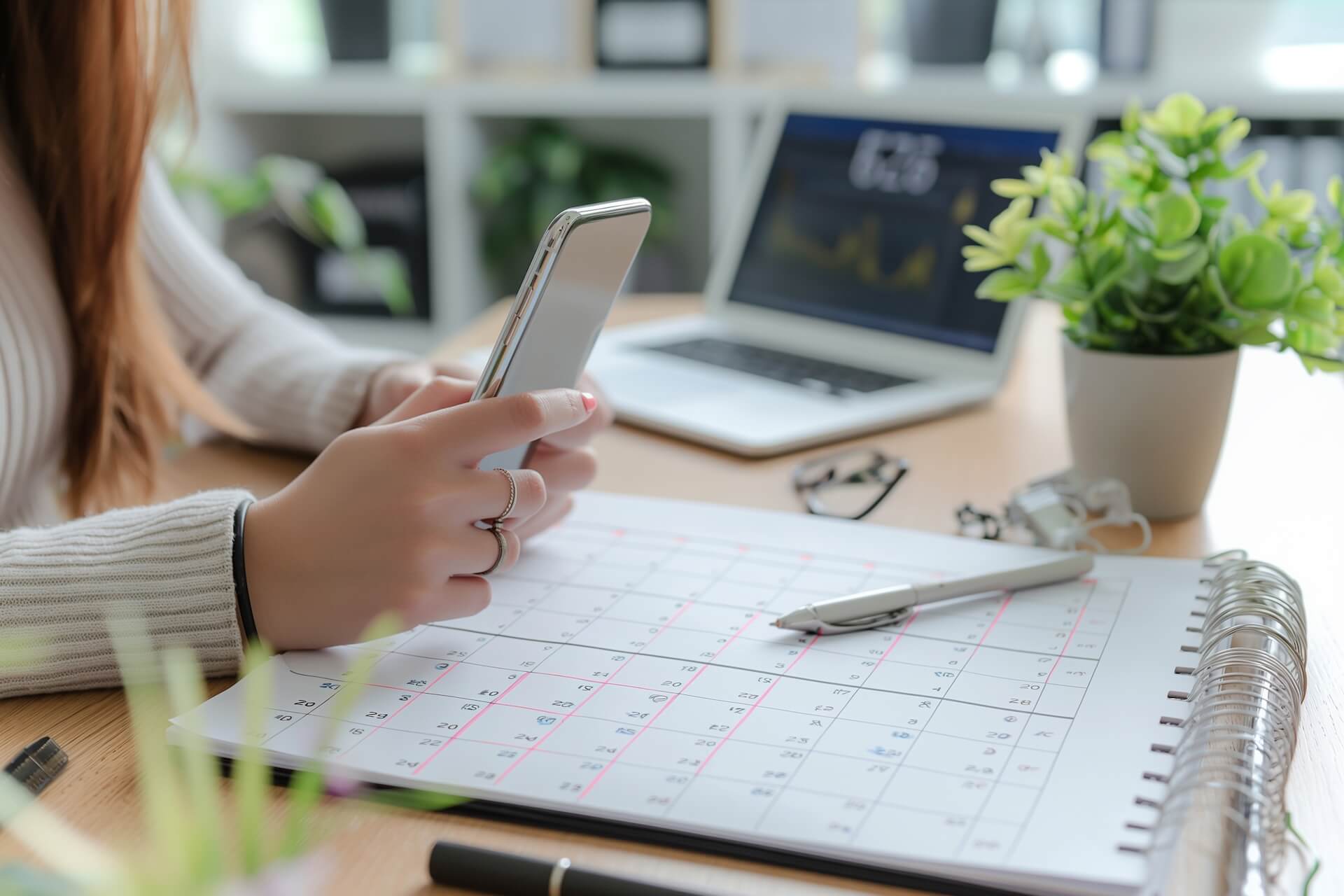
Most appointment no-shows happen for a boring reason: the client forgot. Not a dramatic story. Not a scheduling conflict. They just didn't remember, and nobody reminded them.
If you run your schedule through Google Calendar, you've probably noticed this already. You get your own reminders - email pings, phone notifications, browser pop-ups. But your client gets nothing. That gap is where the no-shows come from.
I've talked to hundreds of small business owners about this. The pattern is almost always the same: they assume Google Calendar handles reminders for both sides, eventually realize it doesn't, and then start looking for a fix. This post is that fix.
Why Google Calendar Reminders Don't Prevent No-Shows
Google Calendar's notification system works inward, not outward. It sends reminders to the person who owns the calendar. Email, push notification, browser alert - all three go to you. None of them reach the client sitting across from you tomorrow at 2 PM.
This catches people off guard more than you'd expect. If you search "Google Calendar reminders," most results explain how to set up notifications for yourself. Useful if you're the one who forgets meetings. Doesn't help when your clients are the ones not showing up.
Google used to have an SMS notification option, but they removed it in January 2019. Even when it existed, it only texted the calendar owner - never the client. So there was never a built-in way to remind your clients through Google Calendar alone.
What Actually Reduces No-Shows
The single most effective thing you can do is send an SMS to the client's phone before the appointment. That's the finding from basically every study on appointment attendance, and it lines up with what we see in practice too.
Text messages get opened. Open rates sit above 90%, usually within a few minutes. Email reminders work, but they're easier to miss - especially on a phone where unread counts pile up fast.
Timing matters more than most people think. Here's what works well:
- 24 hours before - gives the client time to cancel, and gives you time to refill the slot
- 1 hour before - the final nudge, catches last-minute forgetfulness
That two-reminder combo is the most common setup among businesses that take no-shows seriously. You can get more specific with reminder timing configuration, but starting with 24h + 1h covers the majority of cases.
One more thing that helps: include a cancellation link in the SMS. Clients who know they can cancel easily are less likely to just ghost. And you get the heads-up while there's still time to rebook someone else.
How to Set This Up Without Changing How You Book
You don't need a new booking system. You don't need to rebuild anything. If appointments already land in Google Calendar - whether clients book by phone, text, DM, walk-in, or online form - you can add automatic SMS appointment reminders on top of that.
Etisia connects to your Google Calendar and reads the appointments already sitting there. When it sees an upcoming event with a client name it can match to a phone number, it sends the reminder automatically.
The whole setup takes under a minute: connect the calendar, pick a message template, choose your timing, and make sure client phone numbers are either in your contacts or included in the event title. After that, it runs on its own. If you want to see what that looks like, there's a 45-second walkthrough that covers the full flow.
If you're worried about having to change your workflow - you probably don't. We wrote a whole guide on keeping Google Calendar exactly as-is while adding reminders, because that question comes up a lot.
What the Numbers Look Like
The average no-show rate for appointment-based businesses sits somewhere between 10% and 30%, depending on the industry. Healthcare tends to run higher. Personal services like salons tend to be lower - but even a 10% rate adds up fast.
Quick example: if you see 20 clients a week and charge $80 per session, a 15% no-show rate costs you about $12,500 a year in empty chairs. That's money you already earned the right to - the client booked, you held the slot. You can run your own numbers here. To work out your own rate before you change anything, use the formula section on the no-show calculator.
The businesses that take this most seriously are the ones where each slot has a real cost: medical practices with prep time, salons that turned away other bookings, tutors who blocked off their evening. For them, even a small drop in no-shows pays for the reminder tool many times over.
FAQ
Can Google Calendar send appointment reminders to clients?
No. Google Calendar reminders only go to the calendar owner - that's you. Google removed the SMS notification option entirely in January 2019, and the remaining types (email, push, browser) are all personal to your account. To remind clients, you need a separate tool connected to your calendar.
Do SMS reminders actually reduce no-shows?
Yes. SMS is the highest-engagement reminder channel, with open rates above 90%. A 24-hour-before and 1-hour-before combo is the most common setup because it gives clients time to reschedule while still catching last-minute forgetfulness.
Do I need to stop using Google Calendar?
No. Tools like Etisia work on top of Google Calendar. You keep booking however you already book. The reminder system reads from your calendar and handles the client-facing messages separately.
Related articles
Dental Appointment Reminder Templates That Cut No-Shows
Use these dental appointment reminder templates for cleanings, new patients, procedures, and recalls. Includes timing tips your front desk can use.
Google Calendar SMS Reminders: How to Improve Appointment Attendance
No-shows can seriously hurt your business's bottom line. Learn how adding SMS reminders to your Google Calendar workflow improves attendance, what the research shows, and how to set it up.
Beauty Salon SMS Reminders With Google Calendar: How to Cut No-Shows [2026]
Beauty salon SMS reminders still work great with Google Calendar in 2026. Here is the setup, timing, and message flow that helps salons keep more chairs full.
Related tools and pages
Keep exploring with the calculator, statistics, comparison pages, and industry guides connected to this article.
Pricing & plans
Compare plans, included SMS credits, and start with a free trial.
No-Show Cost Calculator
Estimate how much missed appointments are costing your business.
No-Show Statistics
Benchmark no-show rates, open rates, and reminder performance data.
Appointment reminder templates
Copy-ready reminder texts organized by timing and industry.
Google Calendar SMS integration
What a Google Calendar SMS integration is, the three setup routes, and Etisia's guides.
How to add SMS reminders to Google Calendar
Walk through the live playbook for adding SMS reminders to Google Calendar.
SMS reminders for beauty salons
Reduce no-shows for beauty, nail, and aesthetics appointments.
SMS reminders for hair salons
Keep chairs filled with automated reminder texts for salon clients.