Dental Appointment Reminder Templates That Cut No-Shows
Use these dental appointment reminder templates for cleanings, new patients, procedures, and recalls. Includes timing tips your front desk can use.
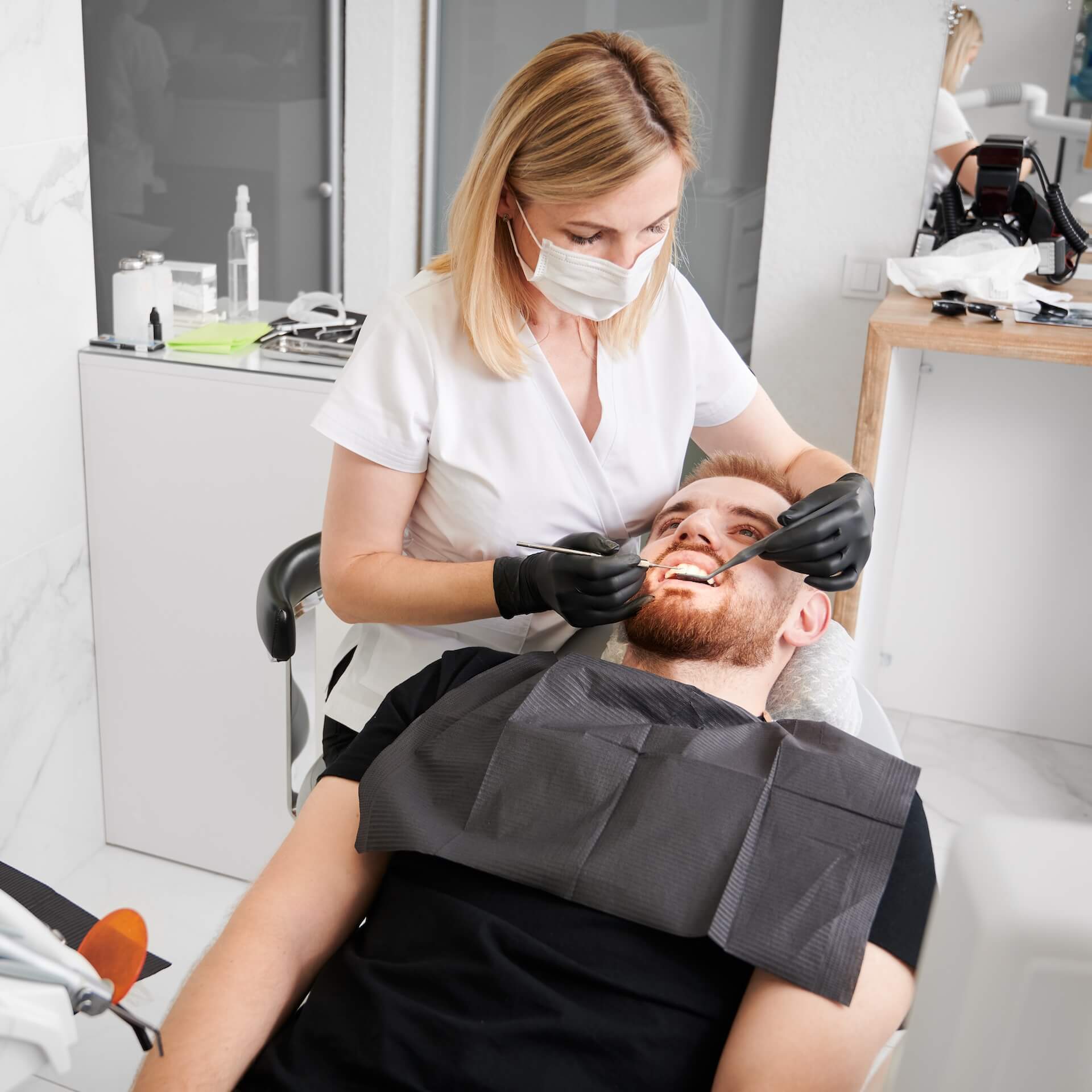
If you run a dental office, you know how this goes. A patient books three weeks out, nobody hears from them again, and that chair sits empty.
A good dental appointment reminder does two jobs. It reminds the patient at the right time, and it gives them an easy way to cancel early or call before the slot is lost.
Looking for the software rather than the wording? Etisia sends dental appointment reminders by SMS from Google Calendar (Starter $12/month billed yearly for 100 SMS; up to 60 free SMS to try, no credit card).
If you want something practical, start with the timing plan and copy-paste templates below. They cover cleanings, new patients, procedures, follow-ups, and recall reminders.
Need it faster?
Generate dental reminder texts in a few clicks.
Use our free SMS template generator to draft a dental reminder, then check the appointment details and contact number before sending.
What makes a good dental appointment reminder?
A dental appointment reminder should be short, specific, and easy to act on. Most patients do not need a long explanation. They need to know when the appointment is, who it is with, and what to do if something changed.
- Keep it short: patients should get the point in one quick glance.
- Include the basics: patient name, practice name, date, time, and provider or visit type when helpful.
- Give one clear action: confirm, call, or reschedule.
- Match the visit: a routine cleaning does not need the same reminder as a crown prep or extraction.
- Add prep only when it matters: arrival time, paperwork, fasting, or transportation details should be saved for visits that actually need them.
The easier you make the next step, the more likely patients are to use the cancellation link or call when plans change.
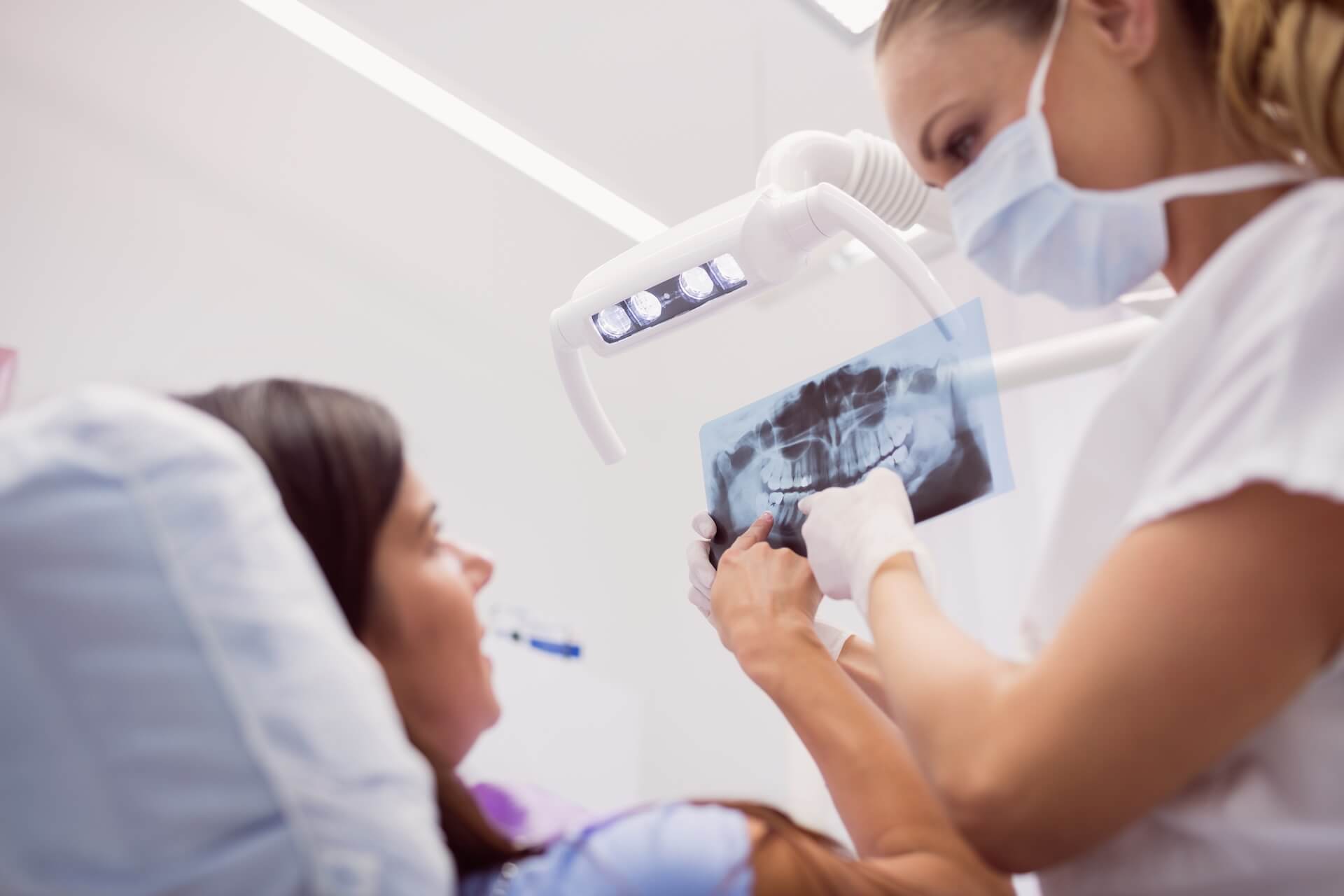
When should you send dental appointment reminders?
For most dental offices, three touches are enough. You do not need a complicated sequence. You just need the right message at the right moment.
Right after booking
Send a confirmation as soon as the appointment is scheduled. This catches wrong dates, wrong times, and missing details before they turn into a no-show later.
2 to 3 days before
This is the reminder that gives patients time to speak up. If they need to move the appointment, your team still has a chance to fill the slot.
24 hours before
This is the reminder most patients expect. Keep it simple and make the next step obvious.
Same day, when it helps
Same-day reminders work best for new patients, early morning visits, longer procedures, or appointments that come with prep instructions. You usually do not need them for every cleaning on the schedule.
For most dental offices, this simple schedule is enough:
Step 1
Booking confirmation
Send this as soon as the appointment is made so mistakes get caught early.
Step 2
Main reminder
Send this 2 to 3 days before the visit so the team still has time to refill the slot.
Step 3
Final reminder
Send this 24 hours before, or the morning of when prep or timing really matters.
Dental appointment reminder templates you can copy
Use these as starting points. Adjust the wording to match your practice voice, cancellation policy, and visit types.
"Hi [First name], this is [Practice Name]. You are booked for a cleaning on [Day], [Date] at [Time]. Call [Phone] if you need to reschedule."
"Hi [First name], we are looking forward to seeing you at [Practice Name] on [Day] at [Time]. Please arrive 10 minutes early with your insurance card and forms. Questions? Call [Phone]."
"Reminder from [Practice Name]: your appointment with Dr. [Name] is tomorrow at [Time]. Call [Phone] if you need to change it."
"See you today at [Time], [First name]. If you are running late, please call [Phone] so we can help keep the schedule on track."
"Hi [First name], your [Procedure] with Dr. [Name] is on [Date] at [Time]. Please follow the prep instructions we sent and call [Phone] if anything has changed."
"Hi [First name], your follow-up visit is on [Date] at [Time]. We will check how everything is healing and answer any questions. Call us to confirm."
"We missed you today at [Practice Name]. If you would like to rebook, call [Phone] and we will find a new time."
"Hi [First name], it looks like you are due for your next cleaning. We have openings next week. Call [Phone] and we will get you scheduled."
Keep the practice name, date, time, and one clear way to call or cancel. The patient’s name is optional.
Before sending, check your message length and SMS segments with our free SMS length calculator.

What to include for different visit types
Not every reminder should sound the same. A few small changes make the message more useful.
- Cleanings and exams: keep these short. Date, time, provider, and a simple call-or-cancel prompt are usually enough.
- New patient visits: add arrival time, paperwork, insurance details, and anything they should bring.
- Procedures: include prep instructions only if they matter. That might mean fasting, medication guidance, or asking the patient to arrange a ride home.
- Follow-ups: remind the patient why they are coming back, especially if the visit is tied to healing or a recent procedure.
- Recall reminders: these are different from appointment reminders. The goal is to get the patient to book, not just show up.
Common mistakes that make reminders easy to ignore
- Being too vague: “Just a reminder about your appointment” is easy to ignore when the patient has several things on their calendar.
- Sending the same message for every visit: cleanings, new patients, and procedures do not need the same wording.
- Burying the action step: if the patient needs to confirm or call, say that clearly.
- Sending it too late: a reminder one hour before the visit does not help much if the patient already knows they cannot make it.
- Adding too much detail: long texts feel like work. Keep the message tight and link out or ask them to call if they need more information.
How to automate dental reminders without making them sound robotic
Most offices start with manual texts or phone calls, but that gets messy fast once the schedule fills up. Automation helps, but only if the reminders still sound like they came from a real practice.
Recall messages invite patients to book. Etisia’s automatic appointment reminders need an existing Google Calendar event.
- Build one base template per booked visit type: cleaning, new patient, procedure, and follow-up.
- With Etisia, use automatic fields for the date, time, and Google Calendar event location. You can also set an arrival window relative to the appointment’s start time, such as “We’ll arrive between 9:00 AM and 11:00 AM.” Add your practice name and phone number to the message; patient names are not inserted automatically.
- Only add prep details when they matter: do not turn every reminder into a wall of text.
- Give patients a monitored help path: include a secure link or monitored phone number when help is needed; Etisia SMS replies are not monitored.
Etisia automatically sends dental appointment reminders by SMS from Google Calendar, so your front desk does not have to type each reminder.
Send dental appointment reminders automatically from Google Calendar
See how Etisia handles dental appointment reminders from Google Calendar and helps your team catch cancellations earlier.
See dental reminder softwareCommon questions
What is the best time to send a dental appointment reminder?
For routine visits, send one confirmation at booking, one reminder 2 to 3 days before, and one 24 hours before. Add a same-day reminder when the visit includes prep, is early in the morning, or the patient is new.
Should dental offices use text or email reminders?
Text usually works better for appointment reminders because patients notice it faster. Email can still help for forms, longer prep instructions, or policy details, but the reminder itself should be quick and easy to see.
How many reminders are too many?
For most practices, two or three reminders per visit is enough. More than that can start to feel repetitive unless the visit is high value, time sensitive, or requires prep.
What should a dental appointment reminder include?
Include the practice name, date, time, and one clear way to call or cancel. The patient's name is optional and is not inserted automatically by Etisia. Add preparation or arrival details only when they help.
Do patients need to text back?
Not with Etisia. The safer default is a reminder with a clear cancellation or call path, so your team hears about changes earlier without running a live reply inbox.
What is the difference between a recall reminder and an appointment reminder?
An appointment reminder is for a visit that is already booked. A recall reminder is a nudge to book the next cleaning, exam, or follow-up because the patient is due.
Final takeaway
A dental appointment reminder does not need to be clever. It needs to be clear, well timed, and easy to act on. That is what helps patients show up.
Draft your reminder with our free SMS template generator. To send reminders automatically for existing Google Calendar appointments, see how Etisia works for dental practices or follow our SMS-reminder setup guide.
Related articles
Do SMS Reminders Improve Appointment Attendance? What Research Shows
No-shows can seriously hurt your business's bottom line. Learn how adding SMS reminders to your Google Calendar workflow improves attendance, what the research shows, and how to set it up.
Beauty Salon SMS Reminders With Google Calendar: How to Cut No-Shows [2026]
Keep Google Calendar and send salon appointment reminders by SMS. Learn the setup, reminder timing, and message wording for hair and beauty appointments.
How Fit Center Cut No-Shows by 34% with SMS Reminders
Fit Center reported a 34% lower no-show rate after 30 days with SMS reminders. Read Branka Pihler’s experience.
Related tools and pages
Keep exploring with the calculator, statistics, comparison pages, and industry guides connected to this article.
Appointment reminder templates
Copy-ready reminder texts organized by timing and industry.
SMS template generator
Describe your business and get a reminder text written for you in seconds.
No-Show Cost Calculator
Estimate how much missed appointments are costing your business.
No-Show Statistics
Benchmark no-show rates, open rates, and reminder performance data.
Etisia vs Apptoto
See how Etisia compares with Apptoto for appointment reminders.
SMS reminders for dentists
Cut empty-chair revenue loss with dental appointment reminders.
SMS reminders for medical practices
See how clinics and practices reduce no-shows with Etisia.