SMS reminders for Google Calendar: text clients before their appointments
Add the client's phone number to the event. Etisia texts them a reminder before the visit, with a cancel link if you want one. You keep booking the way you do now.
Up to 60 free SMS · No card
Private event
Add a phone number and Etisia will schedule a reminder.
Type the client’s full name and phone number into the event title…
What Etisia does
Etisia is an SMS reminder app for Google Calendar: it texts clients before appointments using the number on each event. Messages are one-way and can include a cancel link. Try it free for 21 days, with no card. Starter is $12/mo billed yearly.
At a glance
- Who gets the text
- Your client, on any mobile phone. No app, no account.
- Where the number comes from
- The event title or description, or a saved contact when the event has the client's first and last name.
- What the client can do
- Cancel with the optional link. Texts are one-way; in the US, replying STOP opts out.
- What it costs
- $12/mo billed yearly on Starter, after 21 days free. Up to 60 free SMS as you set up, and no card to start.
- How to start
- Sign up here and connect your Google Calendar once. Then set it and forget it: you book as usual, and the reminders go out on their own.
How the Google Calendar SMS integration works
-
Connect Google Calendar
Sign in with Google and pick the calendar your appointments are in. Etisia only uses the calendar you select.
-
Add the client's number to the event
Type it in the event title or description. Include their first and last name so Etisia can save the contact. Next time, their first and last name is enough. How to add a client phone number
-
Etisia texts the client at the time you choose
Pick when it goes out, from a month to 15 minutes before; the day before is the default. Up to 3 reminder times on every plan (reminder timing). The event title shows “SMS ready ✅”, then “SMS sent ✅”. No number on an event? The title says so.
Step-by-step screenshots are in the setup guide.
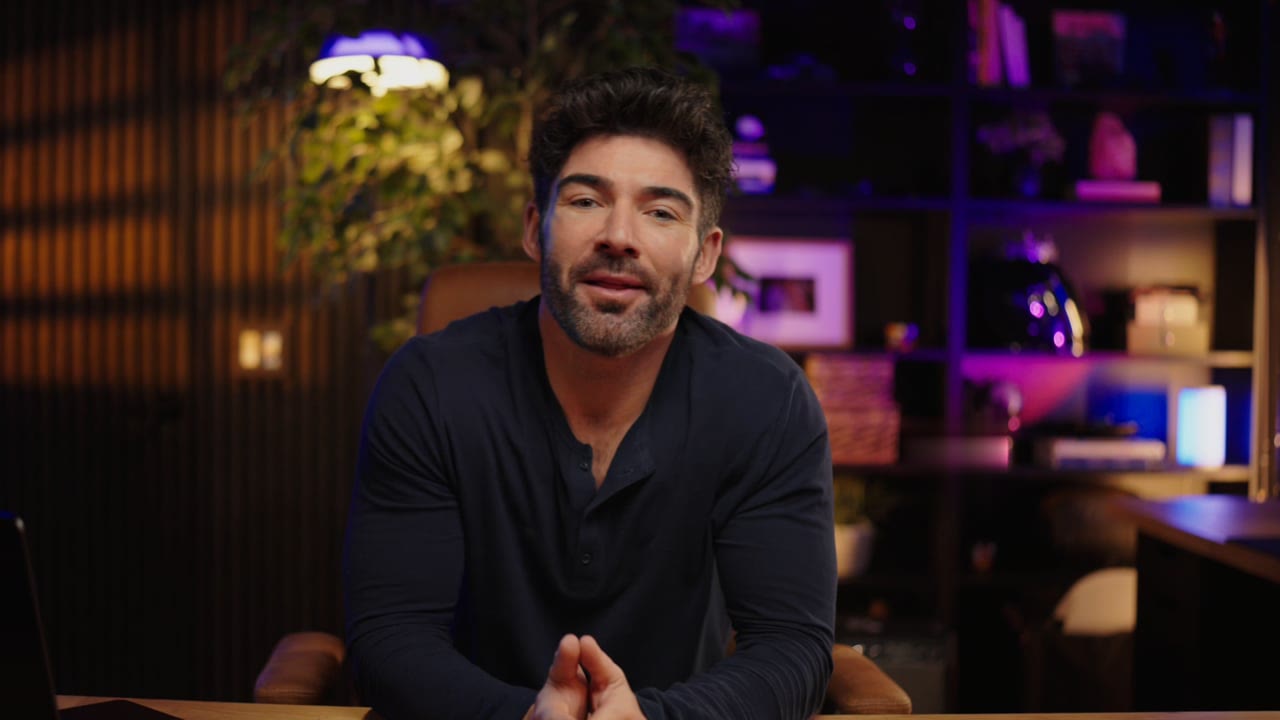
Watch the setup (under a minute)
Eric connects his Google Calendar and turns on SMS reminders for his clients.
Beauty Studio: Hello, you have an appointment with us tomorrow, October 8, 2026 at 03:30 PM. Reply STOP to opt out.
What your client receives: an ordinary text message
Your business name, the day and the time, from a US phone number. This is the text Mia gets the day before her appointment.
- Nothing to install. No app, no account and no calendar invite for the client.
- A cancel link, if you switch it on. The text then ends with “Cancel at https://eti.is/…”. The client taps the link, types their phone number and taps Cancel. The appointment comes off your Google Calendar and you get an email.
- One-way. Clients can't confirm, reschedule or chat by replying. If plans change, they use the cancel link or call you.
- STOP opts out. In the US, texts come from a phone number, and clients can reply STOP to stop your texts.
- Your wording. Pick a ready-made text or write your own. The day and time fill in automatically, and the location if you want it.
Works with any Google Calendar appointment that has a number
A phone call, a text, a walk-in, or a booking another tool writes into Google Calendar: once the appointment is in the calendar you connected, with the client's number or the full name of a saved contact, Etisia can remind them. Calendars you own or can edit both work.
Etisia finds the number in
- the event title
- the description, location or guest list
- a saved contact, by first and last name
No text goes out when
- Etisia cannot find the client’s number (the event title says so)
- it's an all-day event
- the event is in a calendar you didn't connect
- you delete the event before the reminder time
- your plan's SMS for the month are used up
What SMS reminders cost: $12/mo billed yearly, and 21 days free to start
Try Etisia free for 21 days, with no card. Up to 60 free SMS let you test reminders while setting up. Nothing is charged unless you choose a plan.
Starter
$12/month
Billed yearly · $144 (tax excl)
For solo businesses that want to set up reminders without changing how they book appointments.
- 100 SMS messages per month
- 1 Google Calendar
- Automatic + instant SMS on new bookings
- Instant SMS when you add an appointment
- 24/7 Monitoring
- Cancellation links + instant alerts
- 25+ templates with custom fields
- Import contacts from iOS, Android & vCard
- Full delivery logs & tracking
Pro
RecommendedUp to 60 free SMS · No card
$22/month
Billed yearly · $264 (tax excl)
For busy businesses that want to manage reminders directly from Google Calendar.
- 250 SMS messages per month
- 3 Google Calendars
- Automatic + instant SMS on new bookings
- Instant SMS when you add an appointment
- 24/7 Monitoring
- Cancellation links + instant alerts
- 25+ templates with custom fields
- Import contacts from iOS, Android & vCard
- Full delivery logs & tracking
Team
$82/month
Billed yearly · $984 (tax excl)
For larger teams with multiple Google accounts or calendars, or more reminders to send. Pricing depends on your calendar setup, country and monthly reminder needs.
- Custom monthly SMS volume
- Unlimited Google Calendars
- 24/7 Monitoring
- Cancellation links + instant alerts
- Multiple Google accounts if needed
- Setup help
- Priority support - we've got your back
A reminder is usually 1 SMS; with the cancel link, a US text is 2. Cancel anytime. Larger team? See all plans.
Prices are for US businesses, in US dollars. In the UK, Australia or Ireland? UK £16/mo billed yearly · Australia A$41/mo billed yearly · Ireland €20/mo billed yearly
Comparing ways to text clients from Google Calendar?
Google Calendar can't text clients on its own. These are the usual routes.
Calendar add-on
- How it works An add-on in the Google Calendar sidebar
- Setup Install it, then buy SMS credits
- Upkeep Top up credits
- Client replies Some offer two-way texts
- How you pay Usually SMS credits
Do-it-yourself automation
- How it works An automation tool joins your calendar to an SMS account
- Setup You build and test the workflow
- Upkeep You fix it when a step breaks
- Client replies Depends on what you build
- How you pay An automation plan plus SMS fees

- How it works Reads the appointments you already have and texts the client
- Setup Sign in with Google and pick a calendar
- Upkeep No workflow to look after
- Client replies One-way, with an optional cancel link
- How you pay $12/mo billed yearly for 100 SMS
Questions about SMS reminders for Google Calendar
Still deciding? Watch the setup or read the setup guide.
Can I get free text reminders for Google Calendar?
Can I send SMS reminders to my clients from Google Calendar?
Does Etisia send reminders to me or to my clients?
Where does Etisia find my client's phone number?
Can clients confirm or reschedule by replying to the text?
How much do SMS reminders for Google Calendar cost?
Do I need a scheduling app to send text reminders?
Does it work with Google Workspace calendars?
Who is it for?
For businesses that book time with people. Find your profession and see how SMS reminders fit your day. Unlike a booking system, there are no services, staff or business hours to set up: add the appointment with the client's phone number and Etisia sends the reminder.
Swipe or use the arrow keys to browse professions. Scrolling pauses while you explore the cards.



























Try it on your own calendar
Connect Google Calendar, choose the Immediate timing, then add a test appointment with a start time and your own phone number in the title. During the day, the text reaches you about two minutes later.