
SMS Appointment Reminders for Nail Technicians

Keep your nail schedule moving with automatic text reminders, cancel/reschedule links, and optional review requests connected to Google Calendar.

Start sending text reminders from Google Calendar

No credit card needed. Free SMS included.

Last updated:

SMS reminders, Optional review requests, Cancel/reschedule links

Google Calendar
TODAY
12
TOMORROW
13
09:00
Lisa Miller (SMS sent ✅)
10:00
Eva Davis (SMS sent ✅)
11:00
12:00
Jane Smith (SMS sent ✅)
13:00
14:00
Anna Taylor (SMS ready ✅)
Click
15:00
16:00
(555) 987-6543 (SMS sent ✅)
2:02 PM
PN
Polished Nail StudioToday, 2:02 PM

The quiet cost of open time on a nail schedule

A missed nail appointment does more than leave an empty chair. It can interrupt prep, leave a station unused, and give your team too little notice to offer the time to another client. The example below is not an industry average. It is a simple way to see how a few short-notice gaps can add up over time.

Before prep starts

A reminder with a cancel/reschedule link gives clients an easy way to update you before products, tools, and station time are already committed.

Built for real salon schedules

Use Etisia with one Google Calendar for a solo nail tech, or with separate calendars for multiple techs, stations, rooms, or locations depending on your setup.

Fewer forgotten appointments Nail appointments are often booked days or weeks ahead. A simple text reminder helps clients remember the date and time without your team having to call or DM each person manually.

Easier cancellations without phone tag When a client cannot make it, a cancellation link gives them a clear next step. That helps your salon know sooner, so you can decide whether to offer the opening to another client or adjust the day's schedule.

Less interruption for nail techs Solo techs and small salons do not always have someone available to answer calls during services. SMS reminders reduce routine confirmation messages so the team can stay focused on clients already in the chair.

Works with Google Calendar Etisia does not replace your full booking software or POS. It adds automatic SMS appointment reminders, cancellation links, and optional review requests to the Google Calendar workflow your salon already uses.

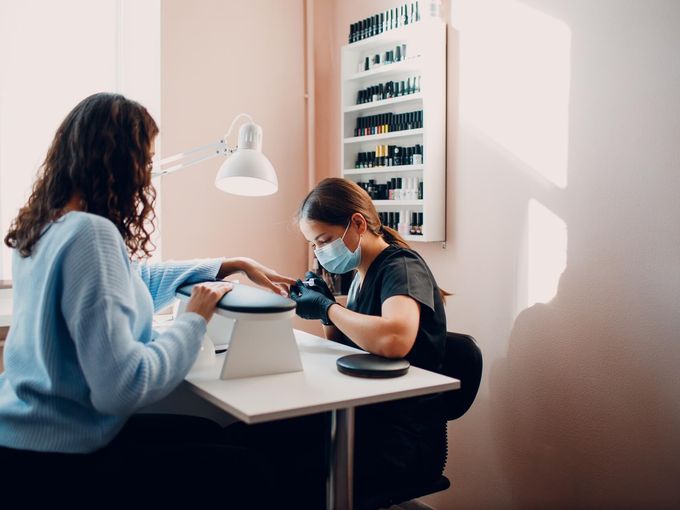
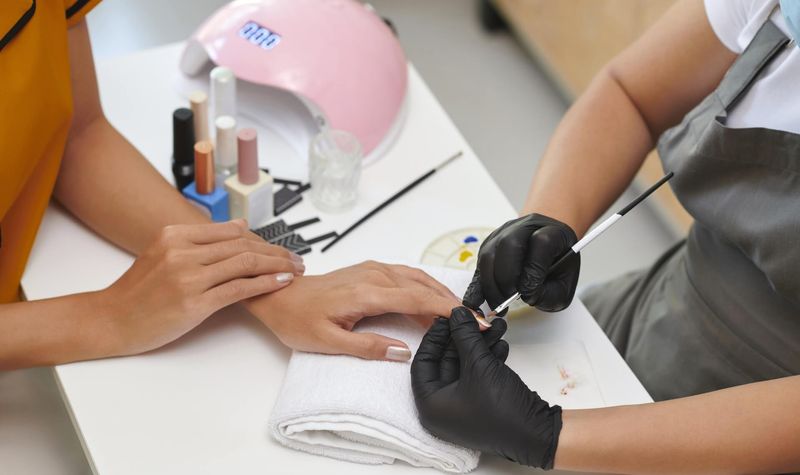
Professional nail technician workspace with nail care supplies

Why text reminders work well for nail appointments

A clear reminder helps clients remember and respond. Short SMS reminders are useful for appointments booked days or weeks ahead, especially when clients are juggling work, errands, school pickup, and other bookings.

Keep appointment texts separate from promotions. A reminder about an existing appointment should stay focused on the business name, date, time, and next step. Promotional texts about discounts, seasonal specials, or new services should use their own consent process.

Use only the details clients need by text. Mention the technician or service only when appropriate, and avoid sensitive health, allergy, disability, payment, or personal notes in SMS messages.

How Etisia works with your nail appointments

Etisia is not another salon management system. It connects to Google Calendar and adds automated SMS communication around the appointments already on your schedule: reminders before the visit, cancellation links when a client needs to make a change, and optional review requests after the appointment.

  1. 01

    Connect Google Calendar

    Link the Google Calendar your nail studio uses for appointments. Solo techs can use one calendar; teams can use separate calendars for different techs, stations, rooms, or locations.

  2. 02

    Add client phone numbers

    Etisia uses the mobile number saved with the calendar event or contact record. Keep phone numbers accurate and make sure clients understand how their number will be used for appointment messages.

  3. 03

    Choose your reminder timing

    Set reminders around your salon rhythm, such as the day before and the morning of the appointment. Keep messages short, clear, and focused on the appointment.

  4. 04

    Send SMS reminders automatically

    Once the appointment is on the calendar, Etisia can send the reminder without the tech or front desk manually texting every client.

  5. 05

    Include a cancellation or reschedule link

    Add a link so clients can cancel or request a new time without calling. Your team can then decide whether to refill the opening, contact a waitlist, or adjust the schedule.

  6. 06

    Optionally ask for feedback or a review

    After a completed appointment, Etisia can send a neutral, voluntary review or feedback request. Keep review requests non-pressuring and avoid incentives, suggested wording, or "5-star" language.

See Google Calendar SMS reminders in action

SMS templates for nail appointment reminders

Use short messages that identify the business, show the date and time, and give clients a simple way to cancel or reschedule. Avoid private details, long promotional language, or specific nail design notes unless the client clearly expects that information by text.

Booking confirmation

After booking

You're booked with {BusinessName} for {Date} at {Time}. To cancel or reschedule: {Link}. Reply STOP to opt out.
Day-before reminder

Day before

Reminder: you have an appointment at {BusinessName} on {Date} at {Time}. To cancel or reschedule: {Link}
Same-day reminder

Same day

Your appointment at {BusinessName} is today at {Time}. Need to make a change? {Link}
Short reminder for busy clients

Short reminder

{BusinessName} reminder: appointment on {Date} at {Time}. Cancel or reschedule here: {Link}
Cancellation received

After cancellation

Your appointment at {BusinessName} on {Date} at {Time} has been canceled. Please contact us if you need help booking another time.
Reschedule request received

After reschedule request

Thanks. We received your request to reschedule your appointment at {BusinessName}. We'll follow up with available times.
Private feedback request

After appointment

Thanks for visiting {BusinessName}. You can share private feedback with our team here: {Link}. Reply STOP to opt out.
Google review request

After appointment

Thanks for visiting {BusinessName}. If you'd like to leave a Google review, you can do that here: {ReviewLink}. Your feedback is optional. Reply STOP to opt out.

Estimate the schedule impact of missed nail appointments

Missed appointments and late cancellations affect every salon differently. Use this calculator as an example, not a guarantee. Enter a typical appointment value to estimate how much reserved time may be left unused when bookings fall through at short notice.

Average appointment value

Use the price of a typical manicure, pedicure, fill, gel appointment, or your blended average across services.

~3 short-notice gaps per week

Estimated appointment value left open

$0

in reserved time that may not be reallocated each year.

Per month

$0

Per week

$0

reserved hours/year

0 hrs

This estimate uses the details you enter.

It does not assume every missed appointment can be recovered, and it does not replace your own reporting. It is a practical way to understand the impact of booked time that could not be reallocated.

Start sending text reminders from Google Calendar

Set up automatic SMS reminders, cancellation links, and optional review requests without replacing your salon software.

International customer story: fewer missed appointments with Etisia

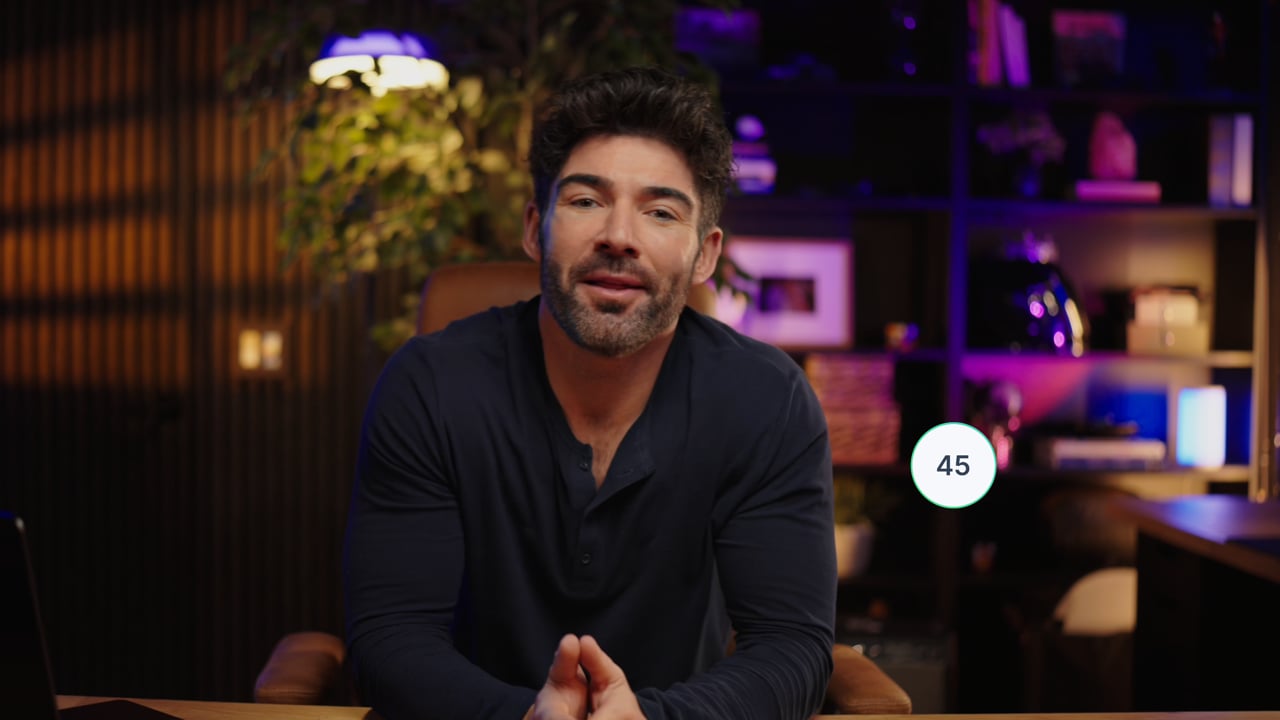
Branka Pihler runs Fit Center in Slovenia. This is an international customer story, not a US nail salon benchmark. It shows how an appointment-based business used Etisia with Google Calendar to reduce routine follow-up and missed appointments.

"I am very grateful for the web app, as we have greatly reduced missed appointments and clients are also less late for appointments, which means more money, time and less nerves spent every month. The app is super easy and worth every penny."

Branka Pihler
Branka PihlerCustomer story
Fit Center, Slovenia
International customer

Simple plans for small and midsize service businesses that don't want another complicated booking system

Keep Google Calendar as the main calendar your team works from. Etisia adds reminders, review requests, and one-tap cancellations without a new booking system or workflow builder.

Starter

$29/month

plus applicable tax

For solo operators who want reminder coverage fast, without rebuilding how appointments get booked.

  • 100 SMS messages per month
  • 1 Google Calendar
  • Automatic + instant SMS on new bookings
  • Instant confirmation SMS for new appointments
  • 24/7 Monitoring
  • One-tap cancel links + instant alerts
  • 25+ templates with custom fields
  • Import contacts from iOS, Android & vCard
  • Full delivery logs & tracking
Start free trial
No credit card needed. Free SMS included.

Pro

Recommended

Try free for 3 days — extra SMS on us

$49/month

plus applicable tax

For busy businesses that want reminders and review requests included in one Google Calendar-first flow.

  • 250 SMS messages per month
  • 3 Google Calendars
  • Automatic + instant SMS on new bookings
  • Instant confirmation SMS for new appointments
  • 24/7 Monitoring
  • One-tap cancel links + instant alerts
  • Custom Alphanumeric Request
  • 25+ templates with custom fields
  • Import contacts from iOS, Android & vCard
  • Full delivery logs & tracking
  • Optional Google review requests
Start free trial
No credit card needed. Free SMS included.

Team

From$169/month

plus applicable tax

Built for larger teams with multiple Google accounts and calendars or higher reminder volume. Pricing is tailored to your calendar setup, country, and monthly reminder needs.

  • Custom monthly SMS volume
  • Unlimited Google Calendars
  • 24/7 Monitoring
  • One-tap cancel links + instant alerts
  • Custom Alphanumeric Request
  • Optional Google review requests
  • Multiple Google accounts if needed
  • Setup help
  • Priority support — we've got your back
Talk to us
No credit card needed. Free SMS included.

Frequently asked questions

The practical details before you try Etisia.

Do nail salons need consent to send SMS appointment reminders?
In the US, businesses should use an appropriate consent process before sending automated text reminders and should keep records of how clients agreed to receive texts. FCC/TCPA materials explain that the TCPA restricts certain robotexts without prior express consent or a recognized exemption, and that consumers must be able to revoke consent. This is a practical compliance note, not legal advice.
Are appointment reminders different from marketing texts?
Yes. A reminder about an existing appointment is different from a promotional text about discounts, seasonal specials, or new services. If a nail salon adds promotional content, it may move the message closer to marketing or telemarketing. Keep appointment reminders focused on the appointment.
What should a nail appointment SMS include?
Use the business name, appointment date, appointment time, and a cancellation or reschedule link. Avoid including sensitive personal details, payment details, health information, allergy notes, disability information, or private reasons for the appointment. A regular nail salon usually is not a HIPAA-covered entity, but state privacy rules may still apply depending on the business and location.
When should nail techs send appointment reminders?
A practical setup is one reminder about 24 hours before the appointment and another shorter reminder the morning of the appointment. The exact timing should match your cancellation policy, business hours, and client expectations. Avoid sending too many messages or sending them at odd hours.
How do cancellation links help a nail salon?
A cancellation link gives clients a low-friction way to tell you they cannot make it. That can reduce phone tag and give the salon more time to offer the opening to another client. It should be framed as a scheduling tool, not a guarantee that every opening will be refilled.
Does Etisia replace my salon booking software?
No. Etisia works on top of Google Calendar. It adds automated SMS reminders, cancellation links, and optional review requests to the calendar workflow your salon already uses, rather than becoming a full salon management platform.
Can Etisia work for multiple nail techs or locations?
Yes. A solo nail tech may use one Google Calendar, while a larger salon might use separate calendars for staff, rooms, stations, or locations. Paid plans support multiple Google Calendars depending on the plan.
Can nail salons send Google review requests by SMS?
Yes, but the request should be neutral, voluntary, and not selective. Avoid "happy clients only," "5-star review," discounts, rewards, gifts, or suggested wording. Google says merchants should not offer incentives, discourage negative reviews, selectively solicit positive reviews, pressure users, or request specific review content.

Free Tools & Resources

Start sending text reminders from Google Calendar

Automatic SMS reminders for nail appointments already on your calendar.

Cancel/reschedule links so clients can update you without phone tag.

Optional review requests with neutral wording after completed appointments.

Start sending reminders

No credit card required. Free SMS included.